
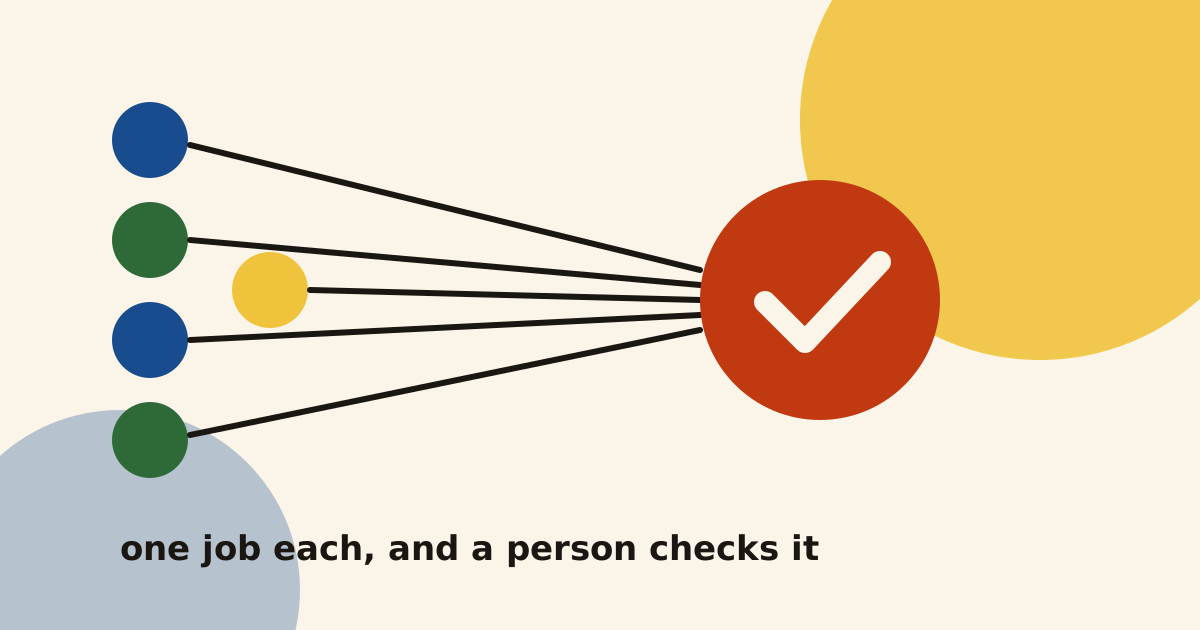
Most of what you read about AI agents for startups is a list of tools, written by the people who sell them. I wanted to write the version I would have liked to read. These are five agents I have built and use, what each one takes off a team, and the rules I keep around all of them.
What are AI agents for startups actually good at?
An AI agent is software that uses an AI model to do a job in steps. It reads something, decides what to do next and uses tools such as your email, your CRM or a spreadsheet to get it done.
For a startup, the useful ones are small. In my experience, an agent earns its place when it takes on one repeated job that needs reading and judgement, but where a person can check the result quickly. Research, sorting, checking and first drafts all fit that description.
Anthropic, who make Claude, say the same in their guide to building effective agents. They recommend finding the simplest solution possible and only adding complexity when it is needed. Some of what I build is a fixed series of steps with AI inside it, and Anthropic call that a workflow. I use the word agent loosely in this post, because that is how founders search for it.
The five jobs I would automate first
All five of these run today. Each one started as a job I was doing by hand and did not want to keep doing.
1. Lead research and first email drafts
This is my outreach system. I describe the companies I want in plain words. Claude researches them and scores each one A, B or C on how well it fits. Hunter finds the founder’s email address and checks that it works, and addresses it is unsure about are held back.
For the best fits, AI reads the company’s website and writes the personal line of the first email. The email lands in Gmail as a draft. I read it, change it if I want, and send it myself.
On top of that sits Claudio, a sales assistant I built in Slack. I can ask it “where is my pipeline?” from my phone, and it reads HubSpot and my email to answer. It writes drafts but never sends, and any change to a deal waits for my approval. It costs about £8 to £12 a month to run.
What it takes off a team: hours of research, finding emails and typing updates into the CRM.
2. A blog that drafts and publishes itself
This blog runs on a pipeline I built. The calendar comes from keyword research. On the day a post is due, Claude writes the draft from the plan and from my own case studies, and puts it on a private copy of the site. I get an email asking me to review it.
I read every draft and either approve it or ask for changes. Once I approve, a small job on my computer puts the post live and asks Google to read it. Every day it checks that each live post is in Google’s index, and it emails me if one is still missing after a week.
What it takes off a team: the first draft, the publishing steps and the checking afterwards. The plan and the approval stay with me.
3. Weekly reporting that nobody has to build by hand
For Social Growth Engineers, a content site with free and paid plans, I built a revenue and churn dashboard. Stripe and Amplitude sit on one page. A scheduled task rebuilds the Stripe figures every Monday at 7:00, and a check then confirms that every number on the page is filled in. Customer details never reach the page.
My outreach system does a smaller version of the same job for me. Every weekday at 8:30 a short email tells me who to write to, who to follow up and which calls are coming.
What it takes off a team: the Monday morning of exporting, copying and pasting before anyone can see how the week went.
4. Site analytics that come to you
On this site, PostHog loads only after a visitor accepts the cookie banner, and it tracks a short list of actions. Every morning at 7:00 my private dashboard asks PostHog for the numbers, groups the traffic into channels such as search, email and AI assistants, and keeps 90 days of snapshots. I wrote up how this site’s analytics work in more detail.
What it takes off a team: opening an analytics tool every morning and rebuilding the same view each time.
5. A matching engine that does the reading
The fifth one is the most general. The matching engine reads public listings from a few hundred sources and keeps only the ones that fit a profile written in plain words. A simple filter removes the obvious misses first. Claude then reads each remaining listing in full, scores it in five parts and prepares a tailored document for it, using only facts from one source file.
On its first run it read 2,856 listings, checked 48 in full and kept 5 as matches. The same pattern fits plenty of businesses: suppliers, tenders, partners, candidates or leads.
What it takes off a team: reading thousands of things to find the handful worth a person’s time.
What does an AI agent cost a startup to run?
The running cost is usually small next to the time it saves, but it is not zero. The only one I have measured on its own is Claudio, at about £8 to £12 a month. The cost of the others depends on how often they run and how much they read.
For clients, I give an estimate of the monthly running cost before we build. The client pays the AI and tool costs directly, so the accounts stay theirs, and every account gets a spending cap. The build itself is a fixed price, agreed in writing before we start.
The four safety rules I use on every agent
These are the rules I actually use, on my own agents and on the ones I build for clients.
- Read-only first. A new agent can look but cannot change anything. It gets more access only once it has proved itself, and only the tools it needs.
- A person approves anything that sends or pays. Emails, payments and deletions wait for someone to press a button. My outreach drafts and Claudio’s deal changes both work this way.
- A spending cap on every AI account. A loop that goes wrong should cost a few pounds, not a few hundred.
- An alert when a run fails. A silent failure is the worst kind, because you keep trusting numbers that stopped updating weeks ago.
I also check what an agent says against what really happened. I learned that the hard way when my own agent reported a form as sent when it was not. Since then, “done” only counts when there is proof.
What AI should not do yet, in my view
I am honest with clients about this, because a bad first agent can put a team off AI for a year.
- Speak to your customers on its own. It can draft the email. A person who knows the customer should send it.
- Move money. I do not build agents that pay, refund or transfer anything without a person approving it.
- Decide what matters. An agent can tell you that sign-ups fell. Whether that is a tracking problem, a bad week or a real problem still needs someone who knows the business.
- Work with health or payment data by default. That data stays out of AI tools unless we agree otherwise in writing.
When a problem needs a real machine-learning model, it is bigger than what I build. In that case I bring in a specialist from my network.
How I would start with your team
If you know which job you want off your team’s plate, I build it as a Build. That means one agent for one job, with the safety rules above, tested on your real examples and handed over with notes. If you are not sure yet which job to pick, the Audit maps the work your team repeats every week and tells you where AI can safely help.
You can see everything I have made this way on Built with AI. If one of these five sounds like the job eating your team’s week, have a look at how a Build works, or book a thirty-minute call below. I will tell you honestly whether an agent is the right answer, or whether a simpler fix will do.
give the agent the slow, repeated part, and keep the decision for a person
Questions people ask
What is an AI agent, in plain words?
How much does an AI agent cost to run?
Which job should a startup automate first?
Can an AI agent replace a marketer or a salesperson?

I build growth systems with AI for UK and English-speaking startups, then run them with your team or on my own. More about me · how I work.
Written November 2026. Platform facts checked at the time of writing; if you are reading this much later, check them again.